Required Supplies:
Formlabs:
- Door
- 2.5 mm hex driver (included in the Form 4 or Form 4L tool caddy)
Third-party:
- Nitrile gloves
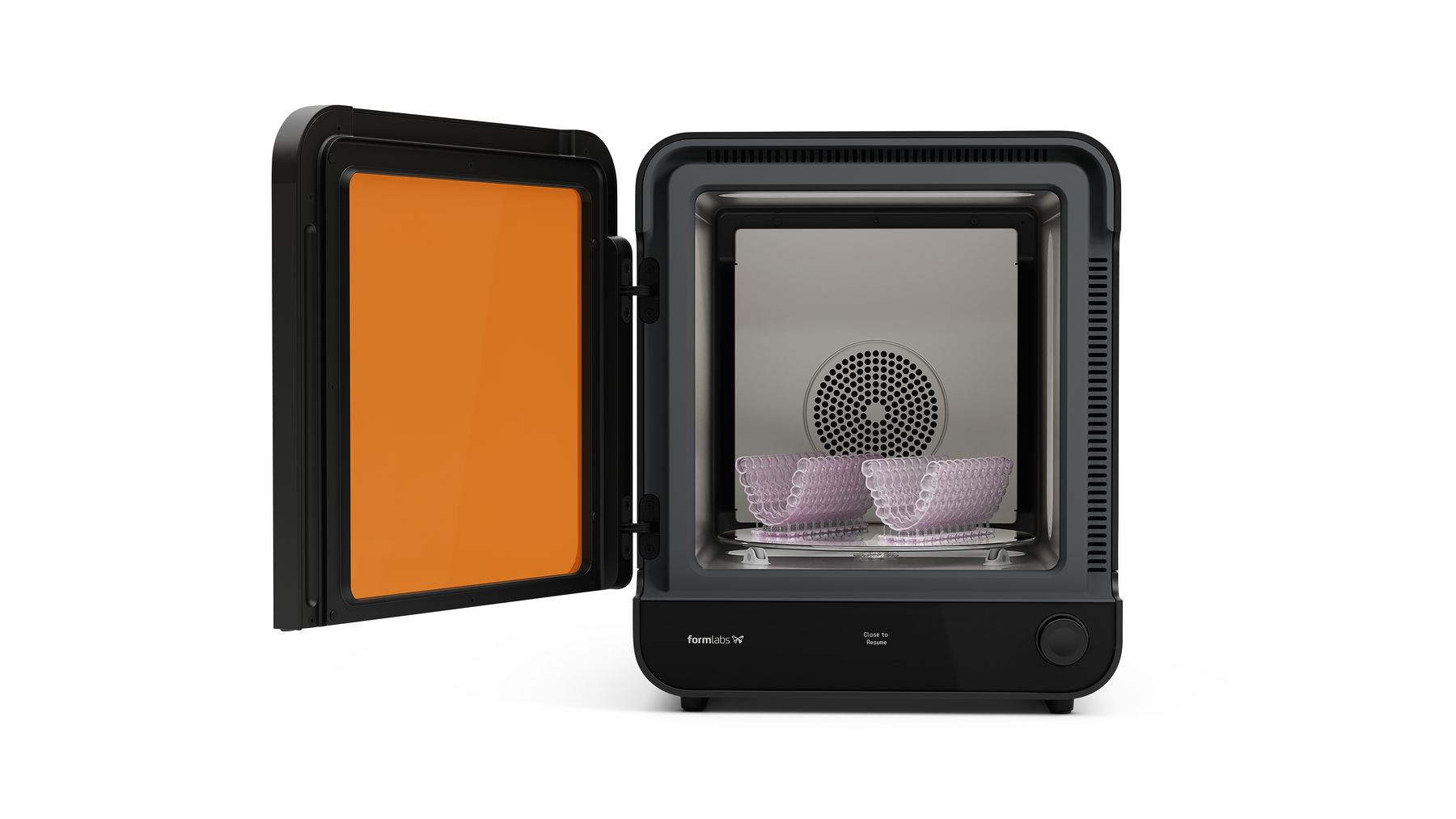
The Form Cure (2nd Generation) has a door that helps insulate the machine and contain the light from the LED modules. If the door is damaged, the Form Cure may not reach or maintain its target temperature. If the door cannot fully close, the machine does not allow you to start a post-curing cycle.
Use this guide to remove and replace the Form Cure (2nd Generation) door.

Required Supplies:
Formlabs:
Third-party:
预计所需时间:10 分钟
准备工作区
Overview: Prepare the Form Cure (2nd Generation) and workspace for replacing the door.
Step 1: Prepare the workspace
Clear a workspace around your machine. Ensure that the workspace is well-ventilated and free of dust.
Step 2: Clean the Cure chamber
警告:
树脂可能引起皮肤刺激或皮肤过敏反应。处理液态树脂或树脂涂层表面时,请戴上手套。用大量肥皂和水冲洗皮肤。
打开 Form Cure 的门。用纸巾清理后固化室中可能积聚或固化的所有树脂。如有必要,可使用异丙醇沾湿纸巾。
危险:
IPA 属于易燃化学品。请始终盖好容器盖子,防止儿童接触。在开始后固化周期前,确保 IPA 完全挥发。
Step 3: Unplug the machine
Turn off the machine using the power switch on the back of the unit. Disconnect the power cable before continuing with maintenance. Do not perform maintenance on the machine while it is connected to power. Wait five minutes after disconnecting the machine from power before proceeding. If the machine was recently in use, the post-cure chamber will be warm. Wait at least 10 minutes for the chamber to cool.
Danger:
Performing maintenance on the machine while it is plugged in increases the risk of electric shock.
拆卸门
Overview: Unscrew and uninstall the Form Cure door.
Step 1: Open the Cure door
Open the Cure door to access the door hinge screws.
Step 2: Remove the door hinge screws


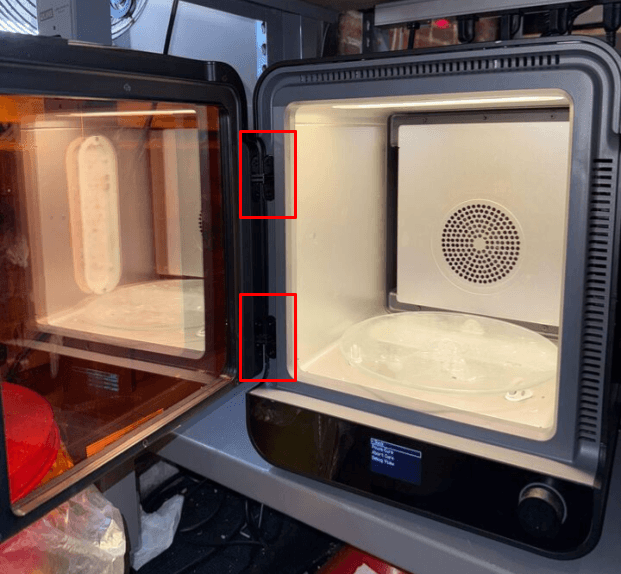
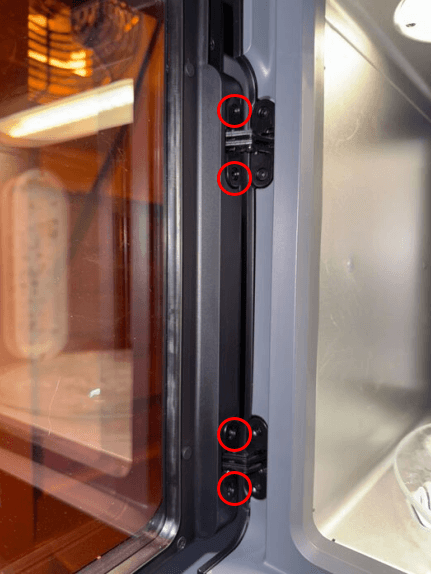
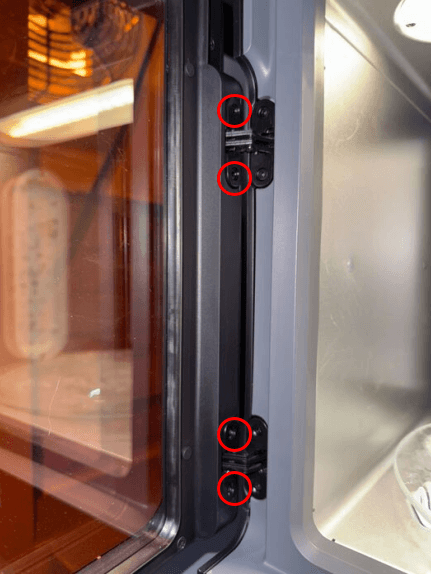
The Form Cure door is mounted to the machine’s frame with two hinges on the left side of the unit. Using a 2.5 mm hex driver, unscrew and remove the four screws securing the door to its hinges. Set the screws aside.
Step 3: Uninstall the door
Pull the door directly away from the Form Cure to separate it from the machine. Set the door aside for disposal.
安装门替换件
Overview: Mount and secure the replacement door.
Step 1: Align the replacement door
Slide the replacement door into place. Ensure that the front face of the door is flush with the front of the unit and that the left edge of the door is flush against the frame.
Step 2: Secure the replacement door

Thread one screw into each of the four hinge screw holes. Use a 2.5 mm hex drive to tighten the screws until finger tight.
完成修复
Overview: After installing the replacement door, power on the machine and perform final checks.
Step 1: Power on the machine
Connect the power cable to the Form Cure and the power supply. Flip the breaker switch on the back of the unit to the ON position to turn on the machine.
Step 2: Test the repair
Start a post-cure cycle to test the replacement door. Monitor the Form Cure to ensure that the post-cure cycle runs normally. Contact Formlabs Support or your authorized reseller to share the results of the procedure.