
警告:
处理散粉或未烧结的粉末时,请穿戴适当的个人防护装备。请参阅支持文档 Formlabs SLS 产品安全获取更多信息。

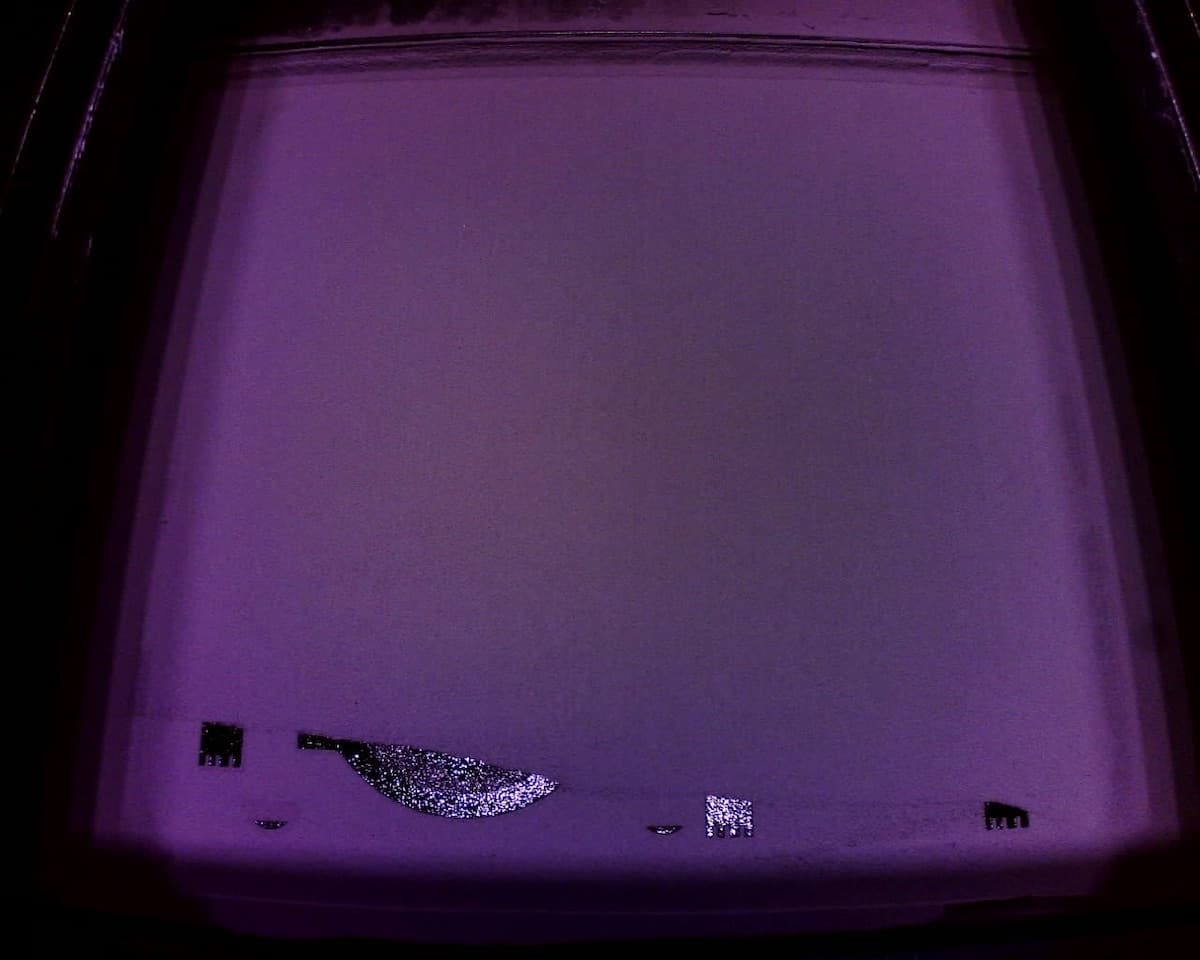
给料不足是指打印过程中粉末流动中断的情况。这通常是由于粉末不足造成的,可能导致打印失败。
在正常运行期间,Fuse Vision 会监测打印平面是否存在碎屑、纤维、空隙或粉末不足。如果 Fuse Vision 确定重涂后沉积的粉末不足,则会介入并以 Error 112(错误 112)中止打印。
给料不足也可能是打印机的重涂机马达出现了机械错误。如果打印机触摸屏显示错误信息 Error 94/3(错误 94/3),请联系 Formlabs Support(Formlabs 支持)或 认证服务提供商以获取更多指导。
表现

原因
故障排查步骤
Add sufficient powder to the printer
If the hopper empties during a print, the print fails. Add sufficient powder and powder credit to the printer before starting a print.
Fuse X1 firmware 1.3.0 added a pre-print powder volume check. If you are running an older firmware version or skipped the insufficient powder warning, you may run out of powder during a print, leading to underdosing and failure.
Break up powder bridges
Powder in the hopper can settle to the point where it does not flow down to the doser. This can occur if the hopper is left full for at least weeks without any printing and may happen faster in hot or humid environments.
If a print fails due to underdosing despite the printer having sufficient powder in the hopper, remove the vacuum conveyor from the top of the hopper and agitate the powder in the hopper with a clean stick or similar tool to break up any bridges or clumps.
Check the agitator motor
The agitator at the bottom of the powder hopper is intended to prevent bridging. If it fails or malfunctions, powder bridges can develop. Without the agitator motor running, powder bridging can occur at normal temperature and humidity.
Tap Maintenance > Motor Moves. The Motor Moves menu appears. Use the UI buttons to move the agitator and confirm that it can move normally. If it does not move, contact Formlabs Support or a certified service provider .
Level the printer
Printers that are not properly leveled or that shift over time (e.g., placed on an unstable surface), can experience uneven powder delivery. Check that printer is level before printing again.
联系 Formlabs Support
联系 Formlabs Support
如果采取上述措施后问题仍然存在,请联系 Formlabs Support 或 认证服务提供商,并上传诊断日志。