
注:
Form 4B 和 Form 4BL 打印机还可使用 Open Material Mode。如果您的打印机在 2026 年 8 月 17 日之前发货,您将收到一个单独的激活代码,用于在打印机触摸屏上输入并启用 Open Material Mode。如果您的打印机是在 2026 年 8 月 17 日或之后发货的,则在首次将打印机连接到互联网时,将与生物相容性材料的永久许可证同时激活 Open Material Mode。

With Open Material Mode, you can print with any type of 405 nm photopolymer resin on Formlabs SLA printers. Open Material Mode is available for a one-time lifetime fee per printer.
Follow the steps in this article to set up Open Material Mode on your Formlabs SLA printer.
注:
Form 4B 和 Form 4BL 打印机还可使用 Open Material Mode。如果您的打印机在 2026 年 8 月 17 日之前发货,您将收到一个单独的激活代码,用于在打印机触摸屏上输入并启用 Open Material Mode。如果您的打印机是在 2026 年 8 月 17 日或之后发货的,则在首次将打印机连接到互联网时,将与生物相容性材料的永久许可证同时激活 Open Material Mode。
要求
Your printer will need to connect to the internet during Open Material Mode activation.
激活 Open Material Mode
Note:
Before continuing, make sure the printer is connected to the internet. You can choose to connect it temporarily (e.g., via a mobile hotspot). An active internet connection is not required after activation to print with Open Material Mode.
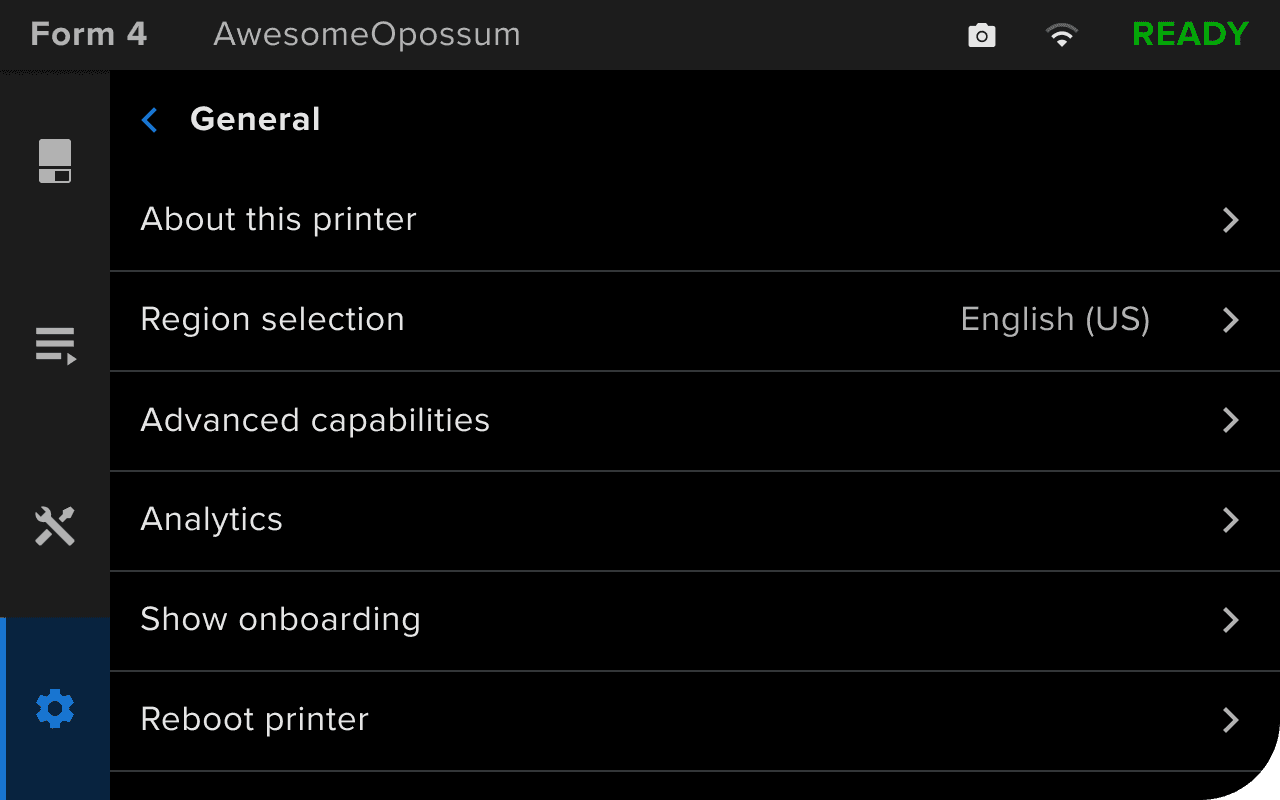
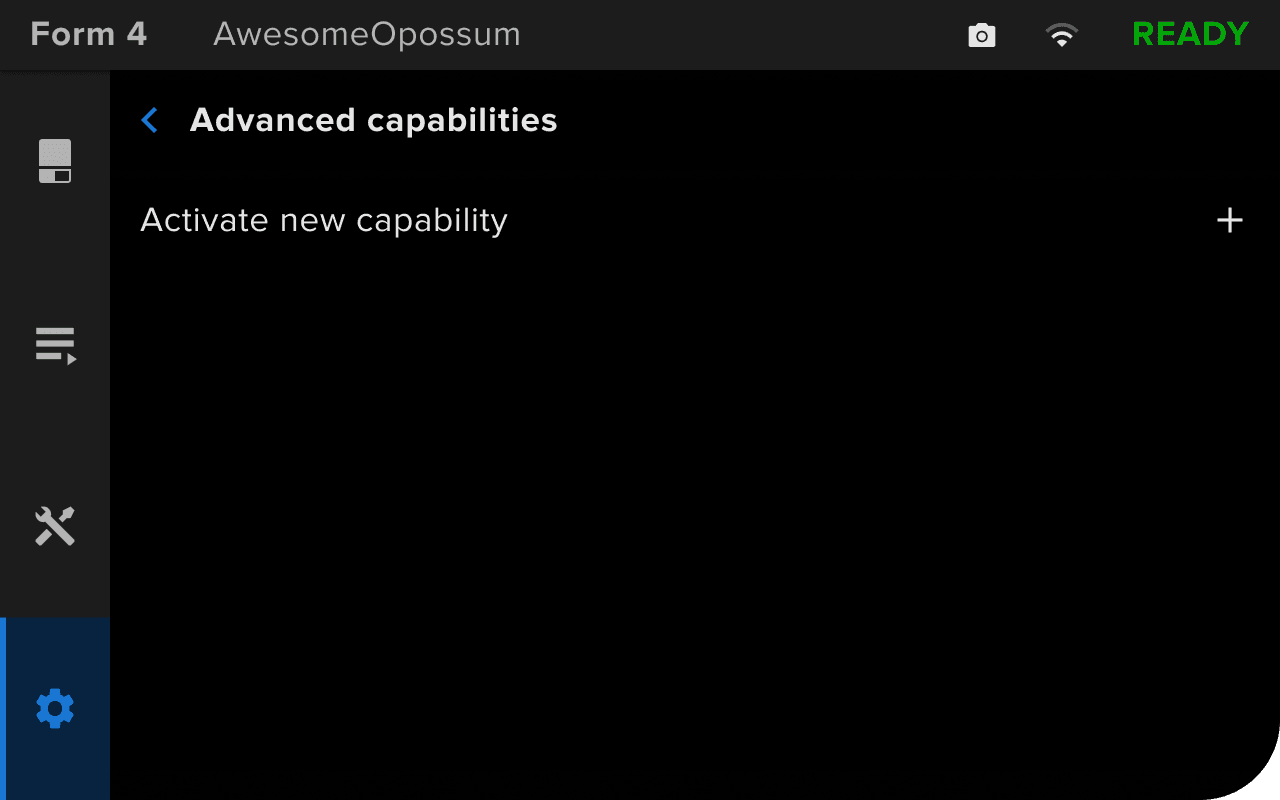
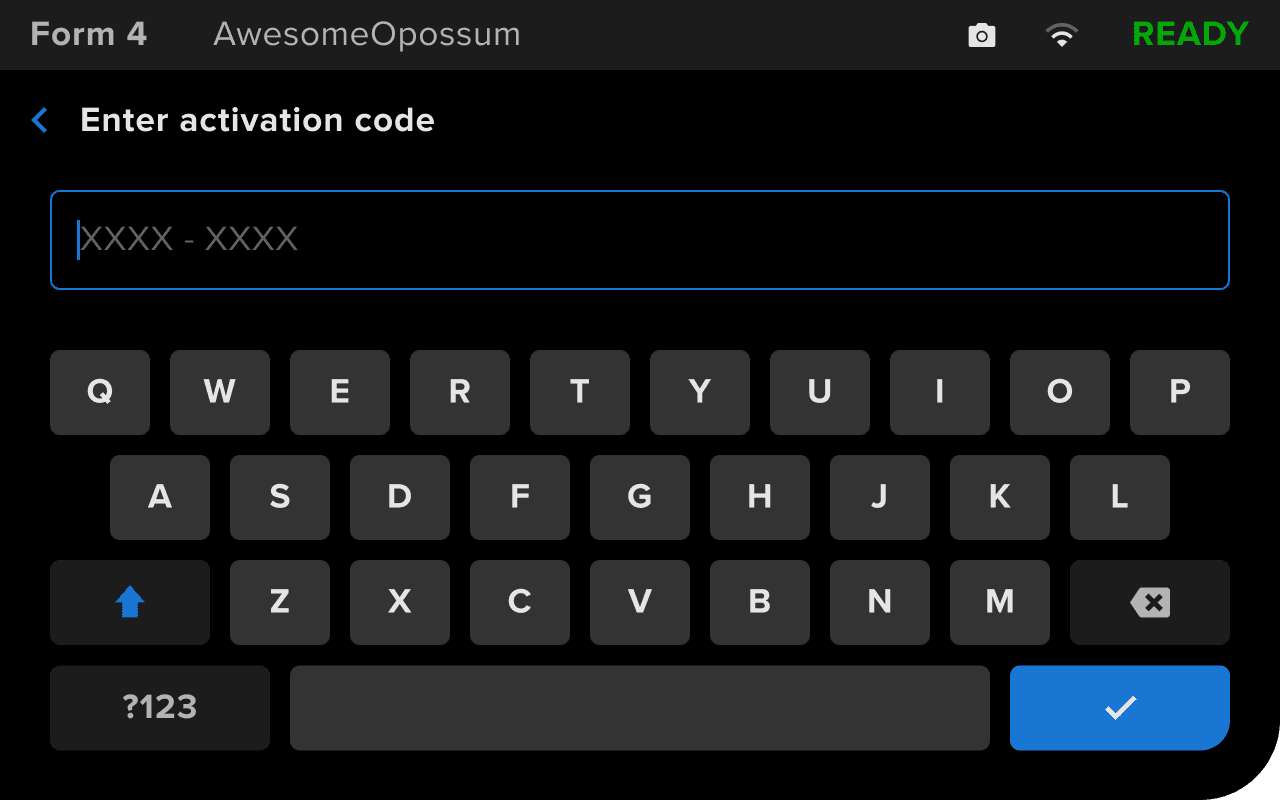
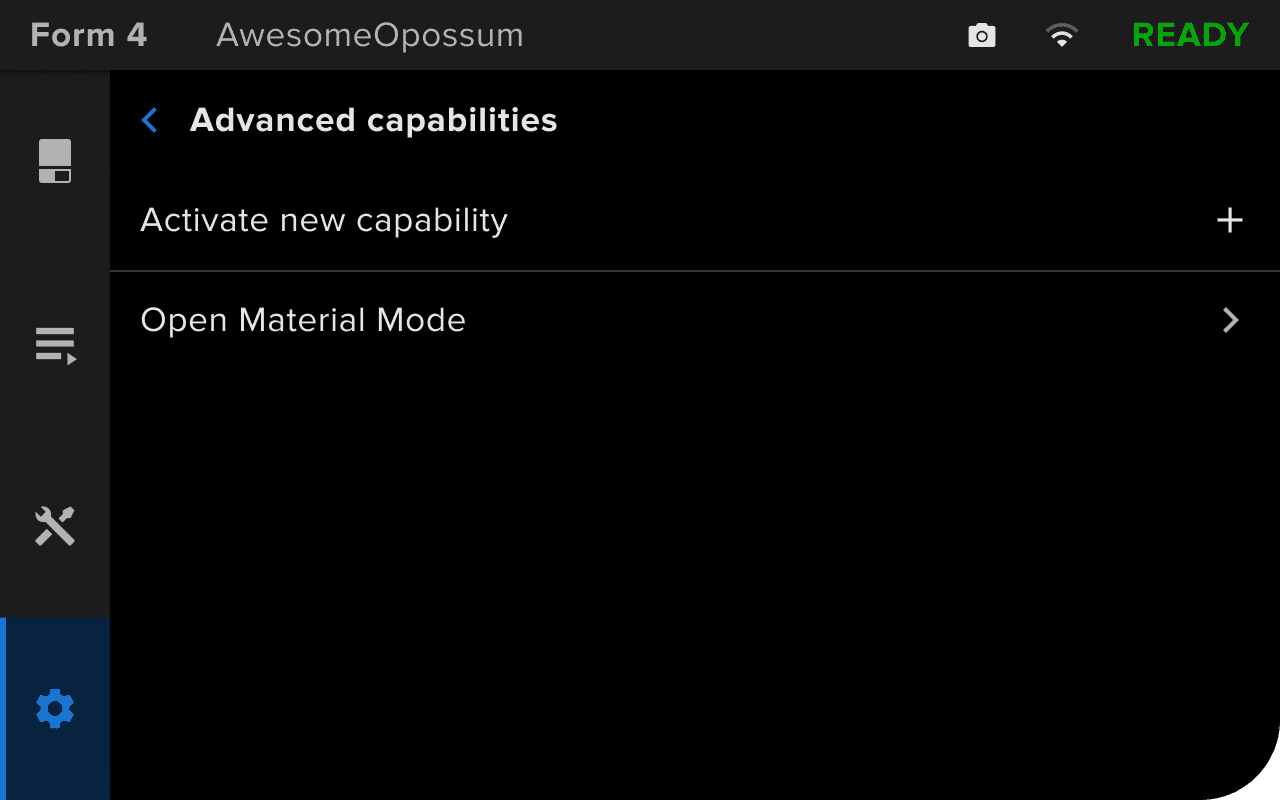
Note:
If you enter an incorrect or invalid code, the printer will show an error message (Form 4 and Form 4L generation) or show the Advanced capabilities screen again (Form 3 and Form 3L generation). Tap Activate new capability and re-enter your activation code.
还可以通过 PreForm 确认该功能是否已激活:
成功激活打印机上的 Open Material Mode 后,将其用于设置并开始打印。