
注意:
在使用 Nylon 12 GF Powder 打印之前,请将打印机更新为最新固件版本。白皮书
Nylon 12 GF Powder 的使用
Nylon 12 GF Powder 的使用
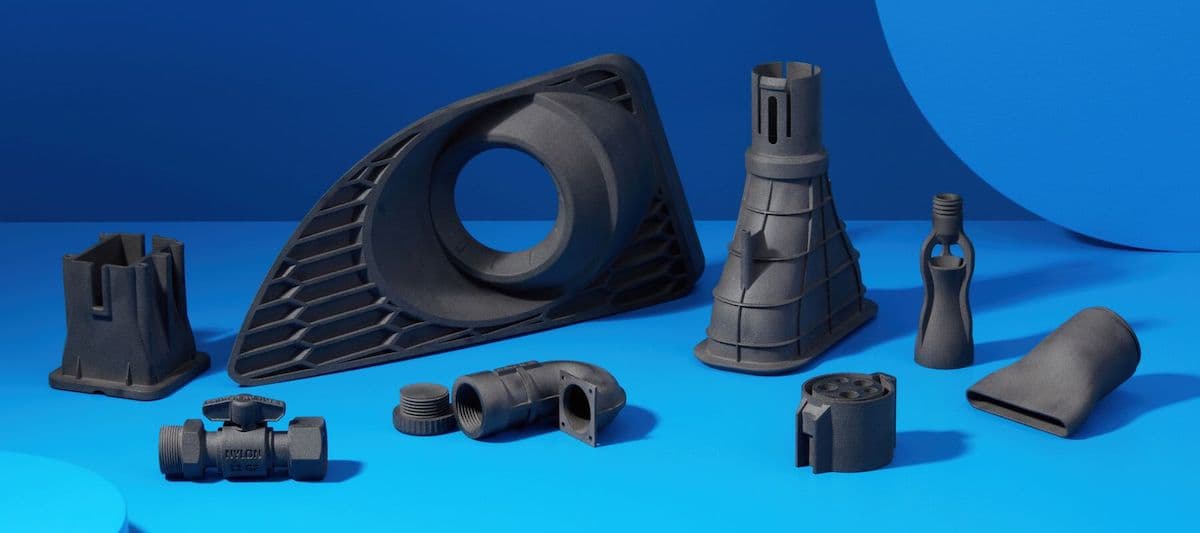
Nylon 12 GF Powder 是一种坚硬、稳定的工业标准材料,非常适合打印耐用的成品部件。该材料通过在 Nylon 12 Powder 中加入玻璃填料制造而成,将尼龙粉末的用途扩展至更高性能的应用。推荐采用的 50% 刷新率可最大限度地重复使用材料,优化打印成功率。
建议用于:
- 结构刚性和热稳定性至关重要的应用中的刚性部件
- 高刚性静态夹具和固定装置
- 高温应用
- 需要与 Nylon 12 Powder 轻松切换材料的工作环境
与其他材料的对比
参见下表中关于相关材料属性的对比情况:
| 尼龙 11 粉末 | 尼龙 12 粉末 | 尼龙 12 GF 粉末 | |
|---|---|---|---|
| 极限拉伸强度 (MPa) | 49 | 50 | 38 |
| 拉伸模量 (MPa) | 1600 | 1850 | 2800 |
| 断裂伸长率 X/Y (%) | 40 | 11 | 4 |
| 断裂伸长率 Z (%) | N/A | 6 | 3 |
| 弯曲模量 (MPa) | 1400 | 1600 | 2400 |
| 悬臂梁冲击强度 (J/m) | 70 | 32 | 36 |
| 热变形温度 (HDT) @ 1.8 MPa | 46 | 87 | 113 |
| 热变形温度 (HDT) @ 0.45 MPa (°C) | 182 | 171 | 170 |
| 维卡软化温度 (°C) | 189 | 175 | 175 |
如需了解有关 Formlabs 材料性能的更多信息,请参阅材料性能数据表库。
与 Formlabs SLA 树脂相比,Nylon 11 Powder 和 Nylon 12 Powder 的刚度分别与 Tough 1500 Resin 和 Tough 2000 Resin 相似。Nylon 12 GF Powder 的刚度介于 Tough 2000 Resin 和 Rigid 4000 Resin 之间。
准备使用 Nylon 12 GF Powder 进行打印
Formlabs 建议在首次使用 Nylon 12 GF Powder 打印之前,调试打印机的打印床温度。该过程应使用老化粉末进行,并用 50% 的新粉进行刷新。如果手头没有旧粉,请在打印床温度调试诊断工具之前,先老化一批新粉。
按照支持文档首次使用前老化 Nylon 12 GF Powder中的说明对粉末进行老化和筛分,然后按照支持文档调试 Fuse 1+ 30W 打印机的打印床温度,以提高 Nylon 12 GF Powder 的部件产量中的说明进行操作。
注:
如果选择调试打印机,则应在每台将使用 Nylon 12 GF Powder 的打印机上完成该过程。同一型号、同一室温的不同打印机可能有不同的偏移温度要求。
使用 Nylon 12 GF Powder 打印
为获得最佳效果,请遵循 Formlabs SLS 打印设计规范。
注:
在大多数使用案例中,Nylon 12 GF Powder 的打印效果与 Nylon 12 Powder 很相似。然而,由于 Nylon 12 GF Powder 的刚度和脆性更高,其打印部件中的较薄特征更容易断裂。
请参阅支持文档开始打印 (SLS),以在 PreForm 中打开模型,定向模型,并将其发送到打印机。
Nylon 12 GF Powder 使用 50% 的标准刷新率,但在 Formlabs 的具体指导下,可使用 70% 的刷新率来排查部件缺陷。
Formlabs 建议在空气环境中打印 Nylon 12 GF Powder。
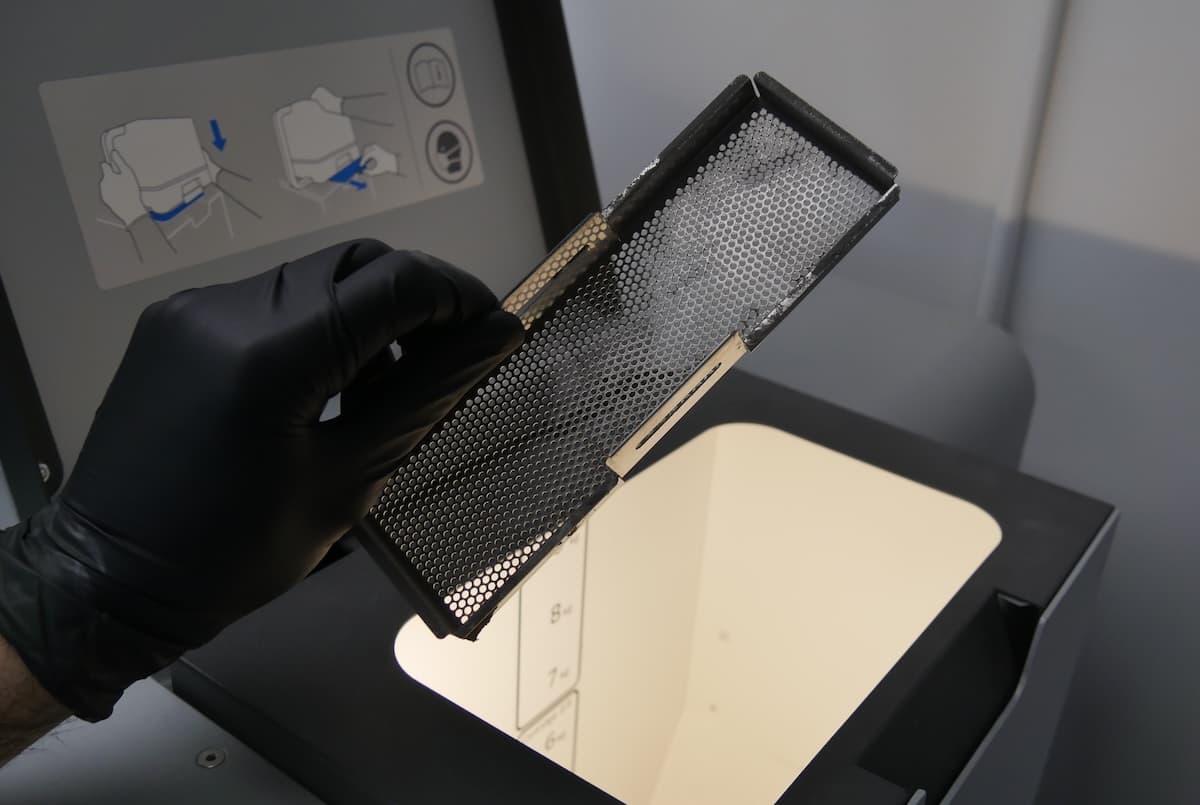
仅限 Fuse 1:在使用 Nylon 12 GF Powder 打印之前,从料斗中取出集屑器,因为如果集屑器留在原位,材料会结块。
Nylon 12 GF Powder 打印部件的后处理
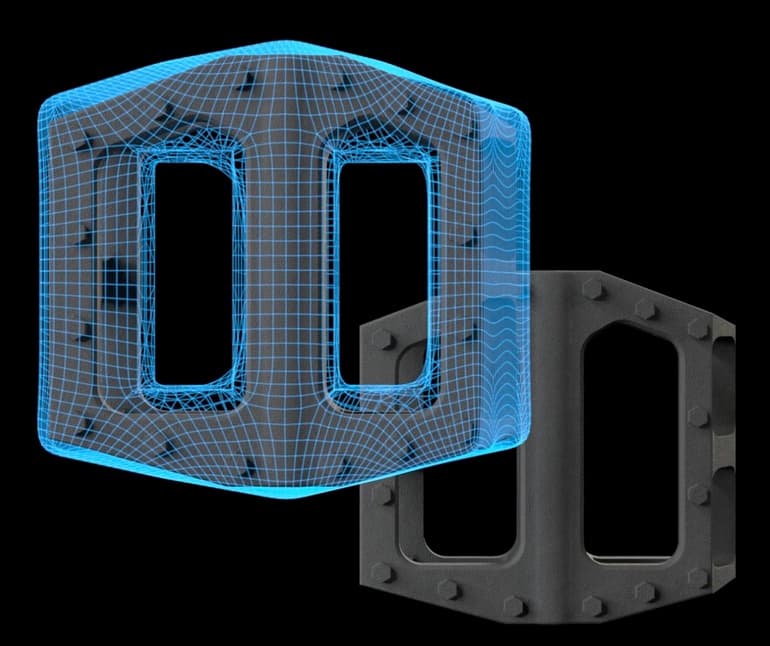
Fuse 1 代打印机通过 Surface Armor(一种半烧结外壳)包裹每个打印部件,从而减少出现热量分布不均匀的可能性,避免影响部件精确度。Surface Armor 可改善表面光洁度,并可在后处理过程中去除。
相对于 Nylon 12 Powder 或 Nylon 11 Powder,使用 Nylon 12 GF Powder 打印的部件需要更坚固的 Surface Armor。虽然这三种材料的工作流程相似,但用户需要使用介质喷砂器有效去除 Nylon 12 GF Powder 部件的所有 Surface Armor。
对使用 Nylon 12 GF Powder 打印的部件进行后处理:
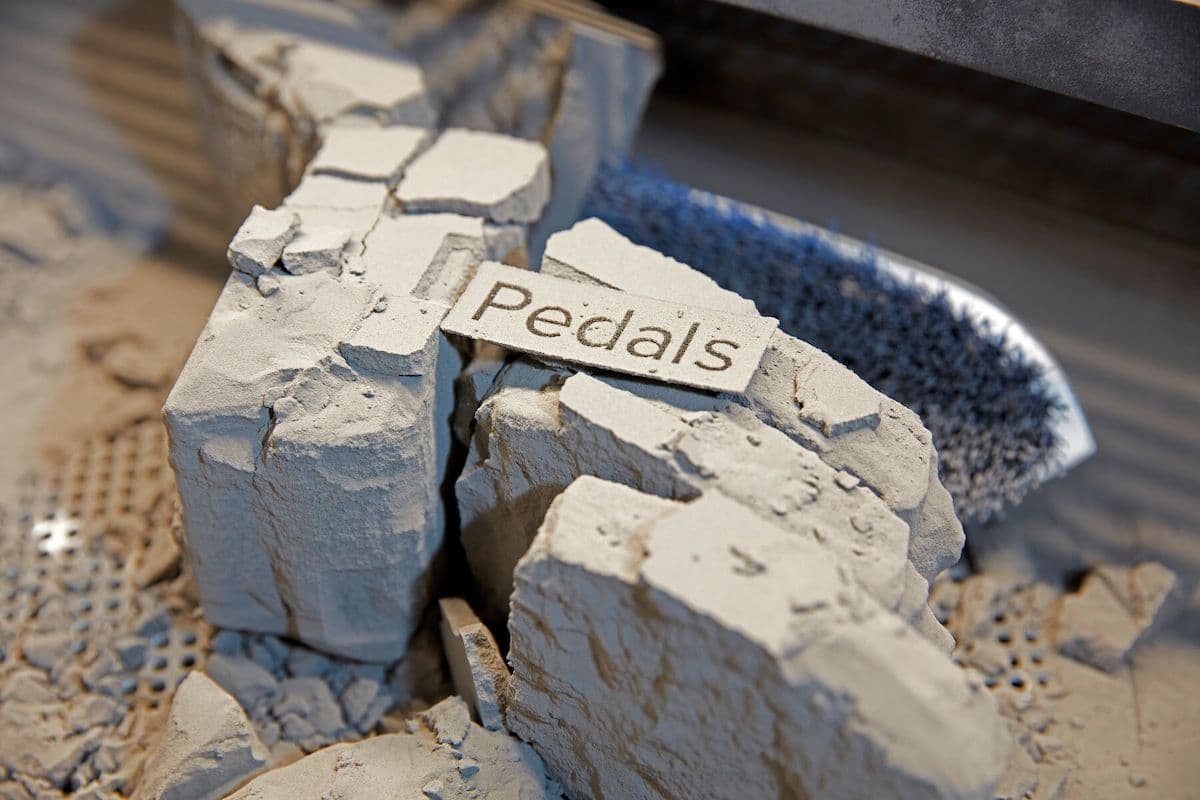
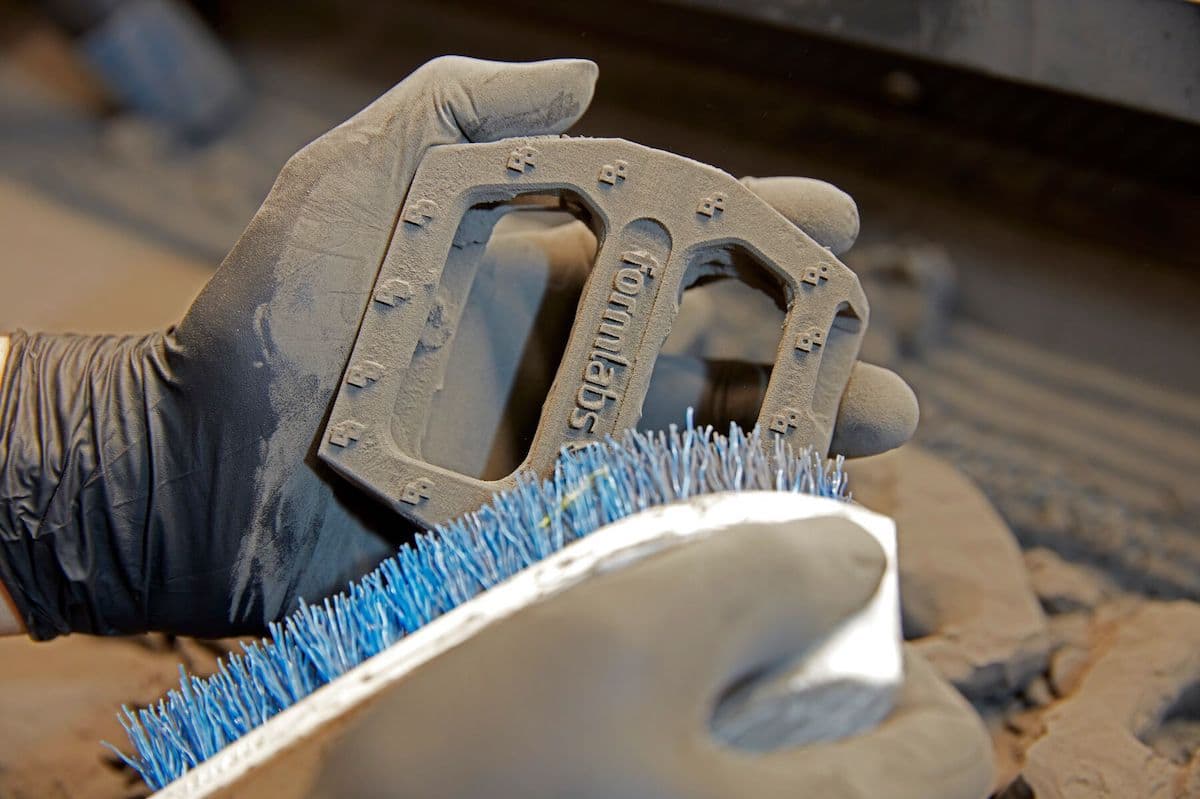
- Separate printed parts from the powder cake using a Fuse Sift. Note that the Nylon 12 GF powder cake is stiffer than for Nylon 12.
- After removing all loose powder using the Fuse Sift, move the printed parts to the Fuse Blast or other suitable media blasting environment. Use the Fuse Blast to fully remove the Surface Armor from each printed part.
- See the support article Formlabs-approved distributors for supplies (SLS) for suggested media blasting solutions.
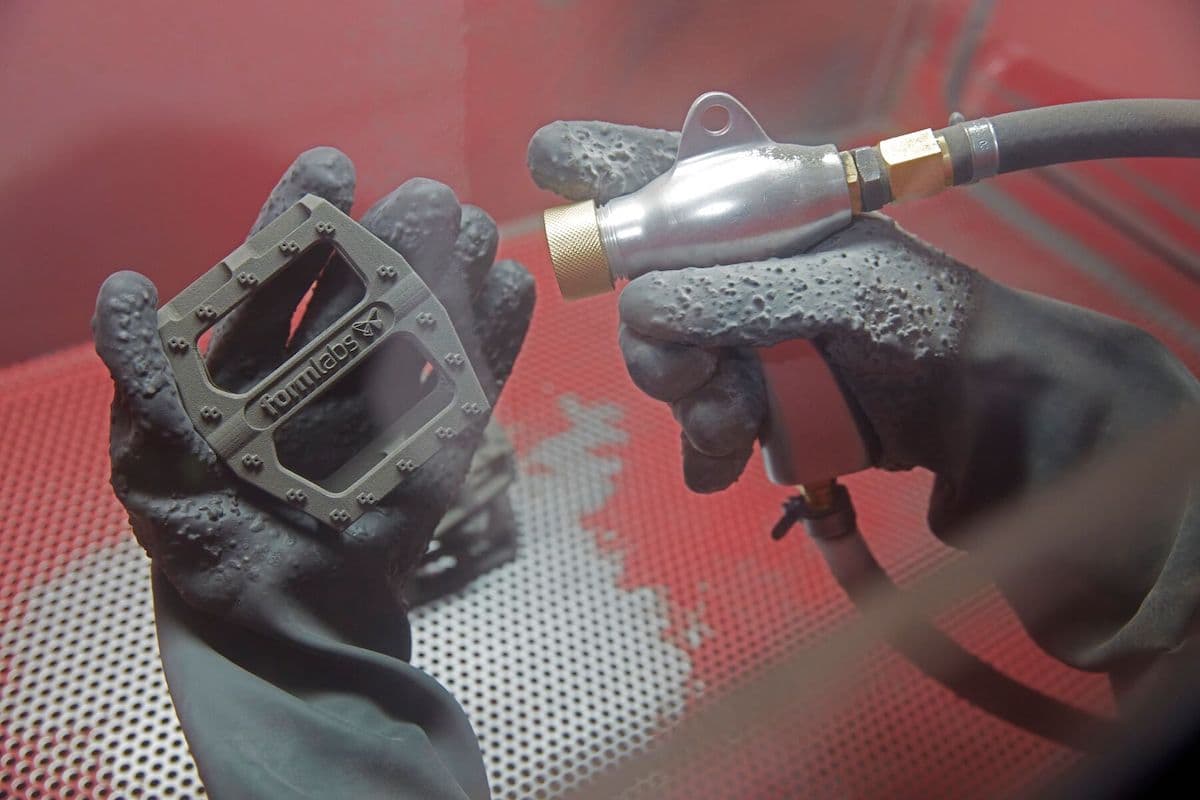
注:
在后处理过程中应特别小心,以避免损坏精致的小型特征。使用多道工序,以确保去除部件上所有孔洞和小型密闭区域中的 Surface Armor。
- 继续进行剩余的后处理步骤:涂装、电镀等。
多次打印
如果每次打印后清理不当,积累的粉末和冷凝的空气微粒可能会导致未来的打印任务出现打印失败。在打印间隙清洁以下区域:
清洁打印箱体顶部
粉末会积聚在打印箱体顶部,尤其是在跑道、粉末槽之间的区域和成型室顶部。在后续打印过程中,这些多余的粉末可能会熔化并进入成型室。请使用真空装置彻底清理该区域,以免打印失败。
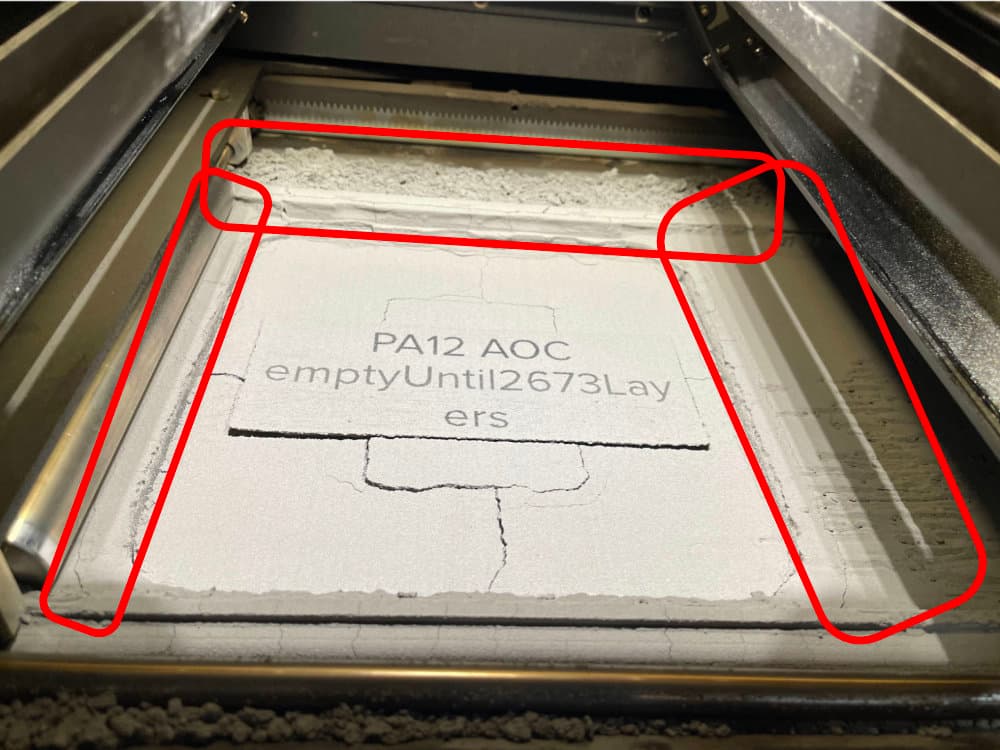
对粉末槽进行真空清理
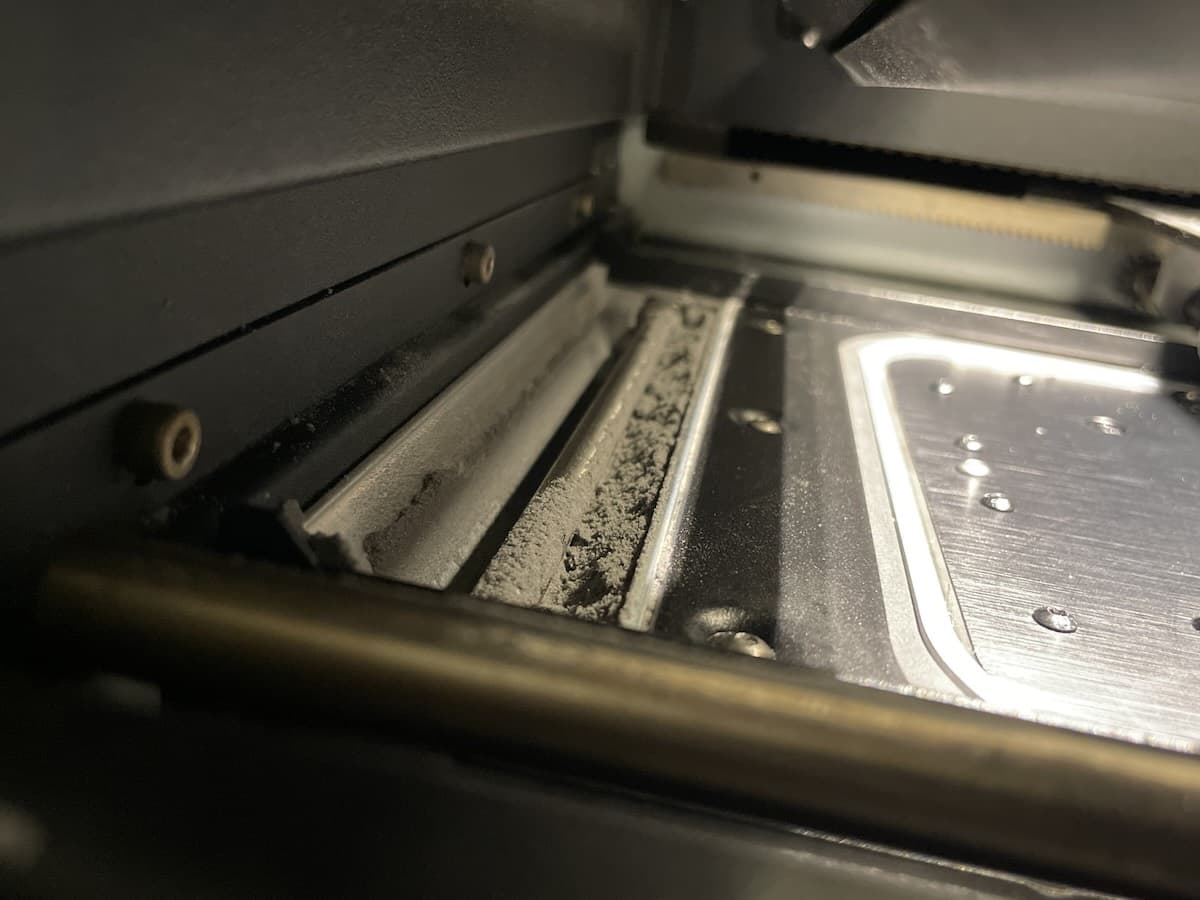
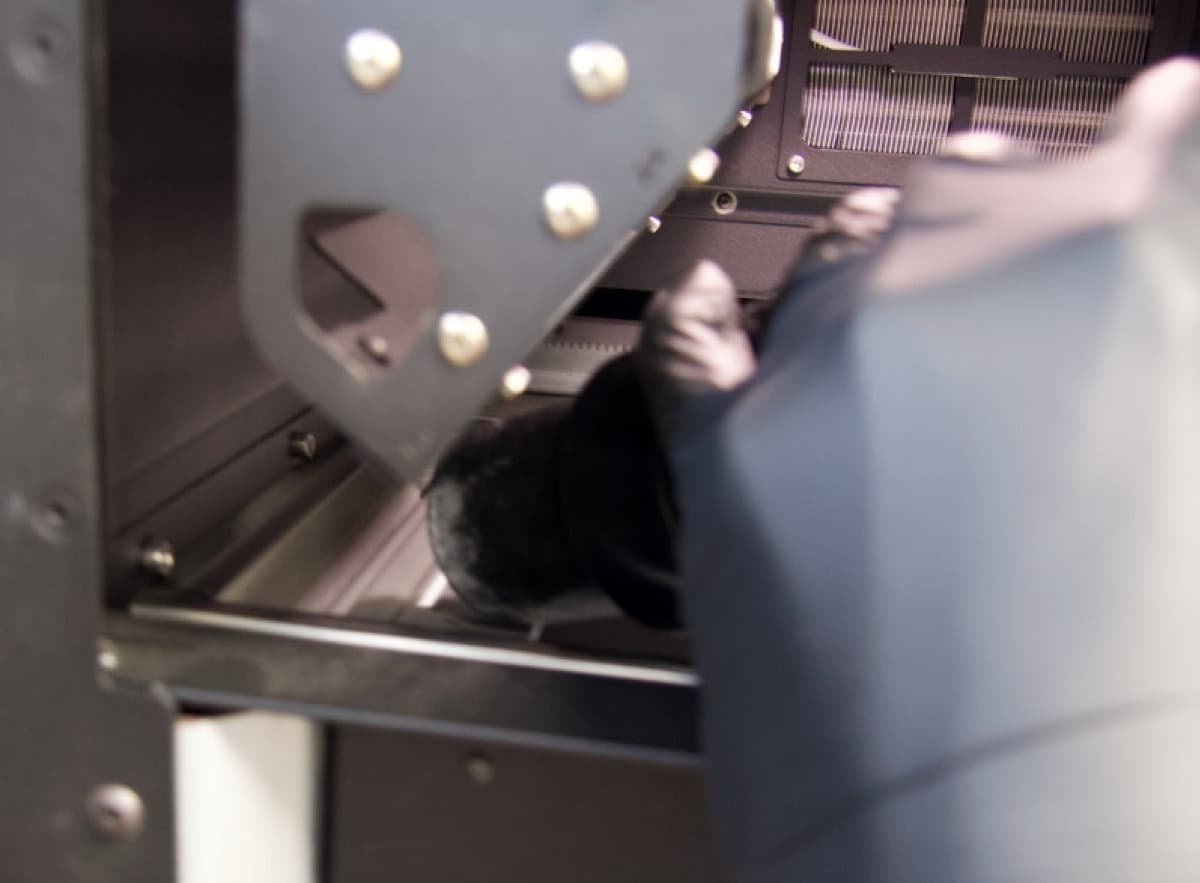
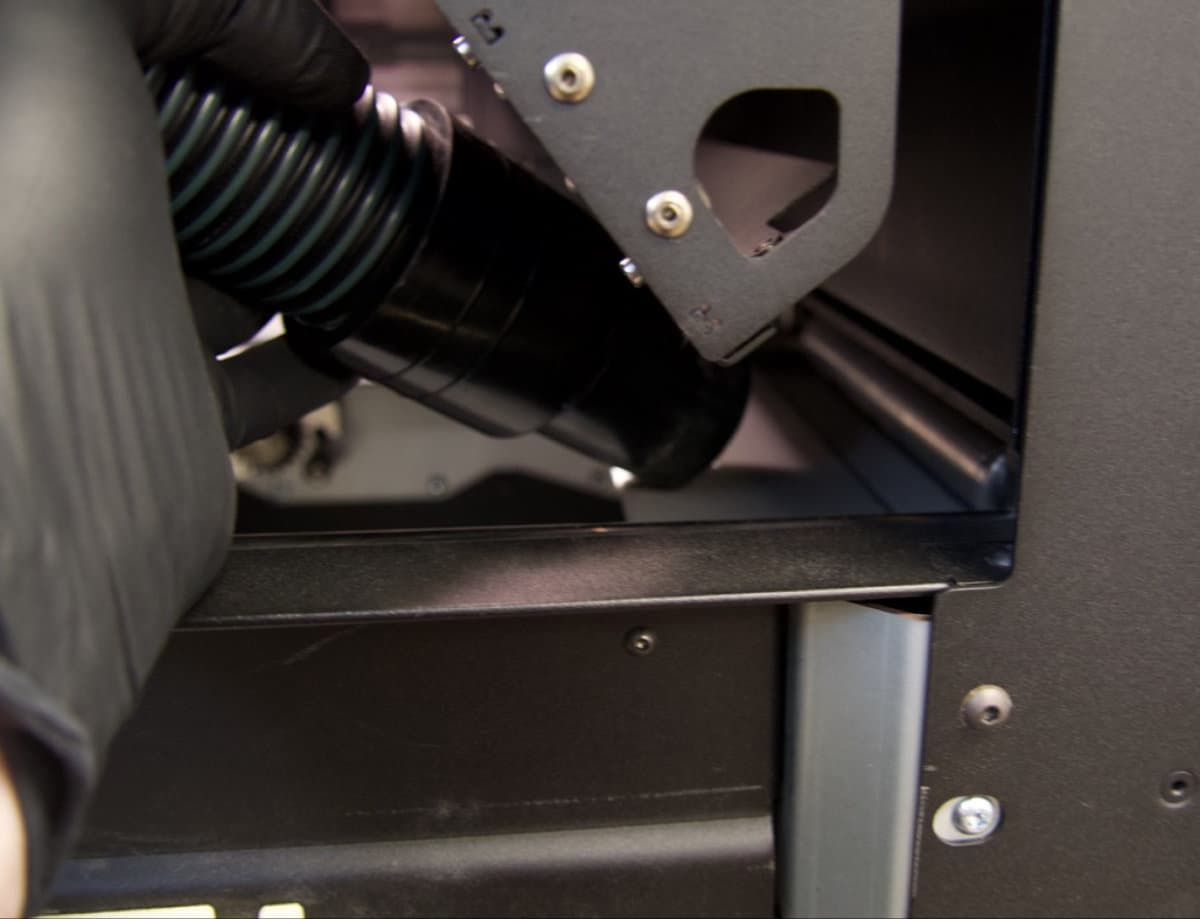
关闭打印箱体门,移动翻转马达,使粉末脱落,以便清理。
移动翻转板马达:
- 关闭打印箱体门。
- 在触摸屏上,点击扳手图标。将显示 Maintenance(维护)菜单。
- 点击 Motor Moves(马达动作)。将显示 Motor Moves(马达动作)界面,可以手动激活打印箱体中的各种马达。
小心:
除非特别通知,在打印箱体门打开时,或在打印箱体顶部粉末处理装置的路径上存在任何物体时,请勿选择 Motor Moves(马达动作)菜单中的任何选项。活动部件存在挤压或缠结的危险。如有必要,可点击触摸屏上的 Stop(停止)按钮来停止马达动作。
- 点击 Flipper (Left)(翻转马达(左))和 Flipper (Right)(翻转马达(右))标题下的 CW(顺时针翻转)、CCW(逆时针翻转)和 Home(回复原位)箭头,可以顺时针、逆时针旋转左右翻转马达,或使其回复原位。反复移动翻转马达,并对粉末槽进行真空清理,直到干净为止。特别是要确保两个粉末槽的内边缘以及所有相邻组件处无任何粉末。
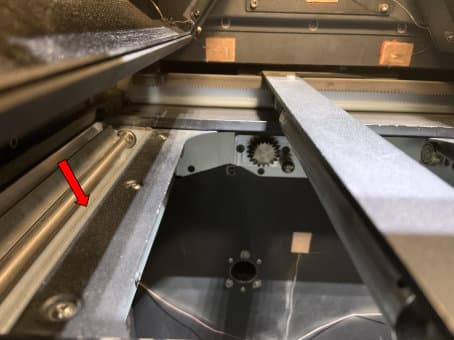
清洁重涂机
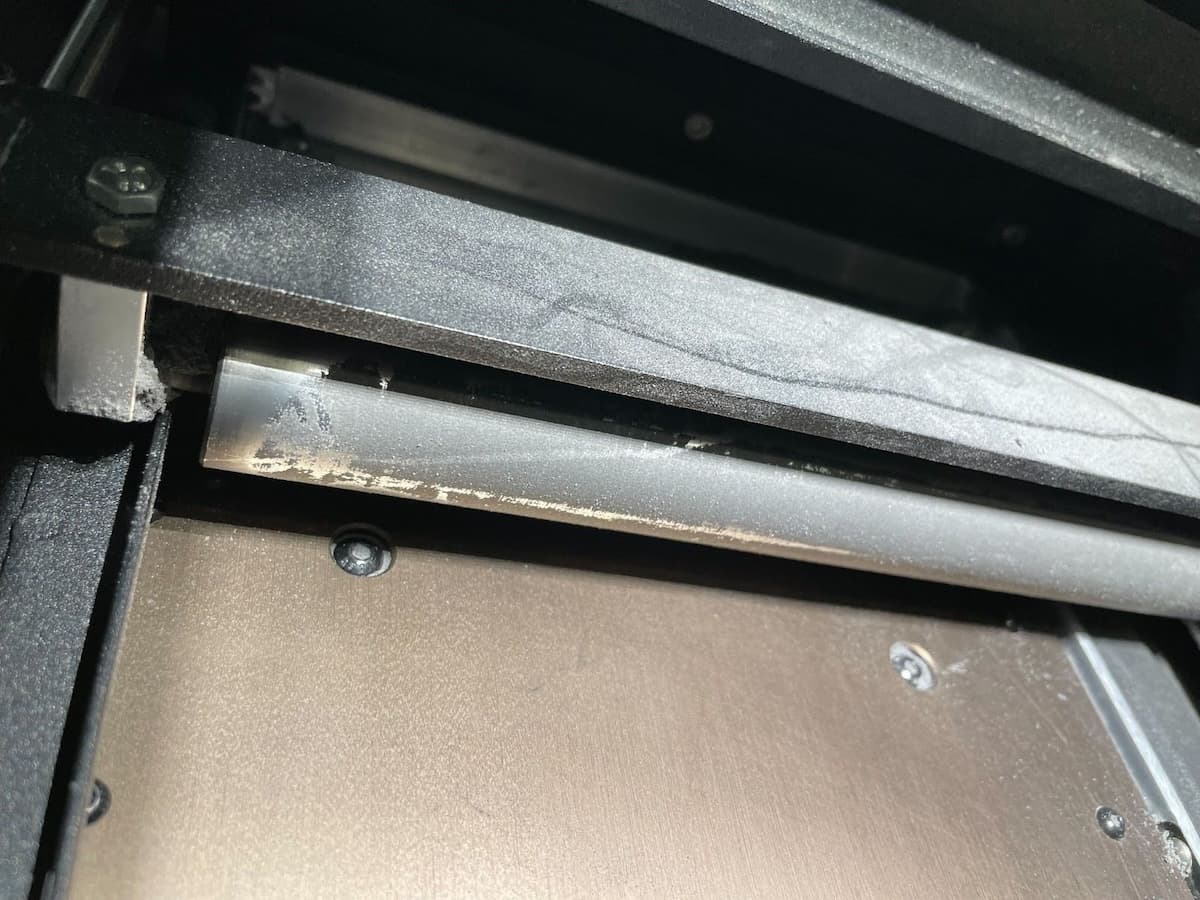
移动并检查重涂机。如果出现半烧结粉末涂层,请在运行另一次打印之前清洁重涂机。
清洁重涂机:
- 在触摸屏上,点击扳手图标。Maintenance(维护)界面随即显示。
- 点击 Motor Moves(马达动作)。随即显示 Motor Moves(马达动作)界面。
- 点击 Recoater(重涂机)下的 <(左) 或 >(右) 按钮,直到可以查看重涂机组件。
- 如果重涂机上沾有半烧结粉末,请使用 PEC*PAD 或其他用乙醇浸湿的无绒超细纤维布进行清洁。
更换材料
Fuse 1 代打印机、Fuse Sift 及相关配件设计为一次只能搭配一种粉末类型使用。在更换粉末类型之前,请确保按照 Formlabs 的说明彻底清理每个设备。混用粉末可能会导致打印失败或对机器造成永久性损坏。
如果您打算频繁使用多种不同材料进行打印,Formlabs 建议为每种材料类型单独配备 Fuse 1 代打印机和 Fuse Sift。
请参阅以下支持文档了解更多信息: